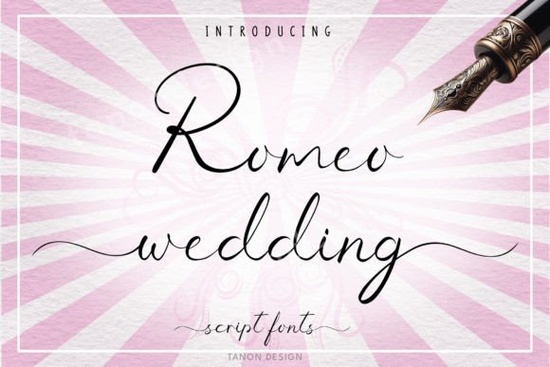
If you're working on wedding invitations, romantic greeting cards, or elegant branding for a special event, the Romeo Wedding Font offers a graceful, handwritten calligraphy style that feels both timeless and personal. Designed with flowing strokes and delicate curves, it’s especially well-suited for projects where warmth and sophistication matter like custom mugs, T-shirts, digital stationery, or handcrafted keepsakes.
One of the standout features of this font is its PUA (Private Use Area) encoding. That means all the extra glyphs, swashes, and ligatures are accessible right from your design software without needing additional plugins or workarounds. Whether you’re using Adobe Illustrator, Canva, or even Silhouette Studio, you’ll be able to unlock alternate characters and stylistic flourishes easily making each design feel unique without slowing down your workflow.
Who is the Romeo Wedding Font best for?
This font shines in hands of:
- Print-on-demand sellers creating personalized wedding gifts or anniversary merchandise
- Small stationery businesses designing save-the-dates, menus, or place cards
- Crafters and DIY enthusiasts making vinyl decals, embroidery patterns, or scrapbook elements
- Graphic designers looking for an authentic handwritten script that doesn’t feel overused
Unlike rigid or overly ornate fonts, Romeo Wedding maintains readability while still offering plenty of personality. It pairs especially well with clean sans-serif fonts for contrast think pairing it with something minimalist for modern wedding branding.
How does it compare to other script fonts?
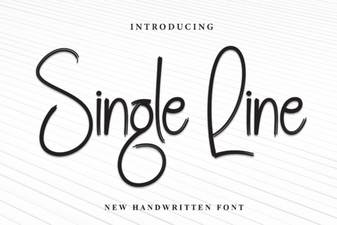
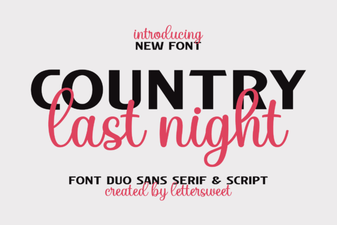
If you’ve browsed Creative Fabrica’s script collection, you might already know fonts like Country Last Night Duo, which leans more rustic and casual, or Single Line, ideal for engraving and minimalist line art. Romeo Wedding sits in a different niche: it’s formal enough for bridal suites but fluid enough for heartfelt messages.
For vintage-inspired projects, you might also consider Nostalgic Words, which channels early 20th-century handwriting. Meanwhile, Delta Lake offers a bolder, brush-style script better suited for posters or logos. And if you need something playful and quirky, Billy and Bob brings a friendly, hand-lettered charm.
Romeo Wedding doesn’t try to do everything it focuses on elegance, consistency, and emotional resonance, which is why it works so well for milestone moments.
Tips for using Romeo Wedding effectively
To get the most out of this font:
- Avoid over-decorating. Let the natural flow of the letters speak for itself. Adding too many embellishments can dilute its charm.
- Use OpenType features. If your software supports it (like Adobe apps), enable contextual alternates and ligatures they’re built into the PUA encoding and will automatically replace standard letter pairs with more harmonious connections.
- Test at different sizes. While it looks stunning on large-format prints like banners, make sure it remains legible on smaller items like favor tags or jewelry engravings.
- Pair thoughtfully. Try combining it with neutral, geometric typefaces like Montserrat or Lato for balance.
Also, remember that handwritten fonts like this one often look best when slightly off-kilter don’t force perfect alignment. A subtle curve or gentle arch in your text layout can enhance the organic feel.
Is it worth it for commercial use?
Yes if your license includes commercial rights (which most Creative Fabrica subscriptions do), you can confidently use Romeo Wedding in client projects, Etsy listings, or branded merchandise. Just double-check your specific license terms based on how you obtained the font.
For reference, you can explore more about OpenType features and PUA encoding through resources like Adobe’s guide to OpenType, which explains how these tools help bring handwritten fonts to life in professional workflows.
Before you start your next romantic design project, ask yourself: does this moment deserve a font that feels human, heartfelt, and refined? If so, Romeo Wedding is likely a strong match.
Quick checklist before downloading:
- Confirm your software supports PUA-encoded fonts
- Review your intended use (personal vs. commercial)
- Preview the full character set to ensure it has the accents or symbols you need
- Consider pairing options early in your design process
 A Designer's Guide to Single Line Font Projects
 Country Last Night: a Creative Duo Font Project
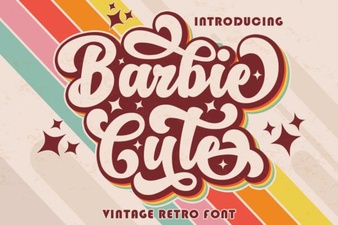 Barbie-Inspired Font Design for Creative Projects
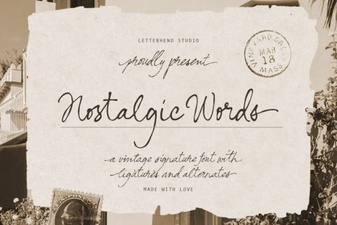 Nostalgic Fonts for Designers & Creatives
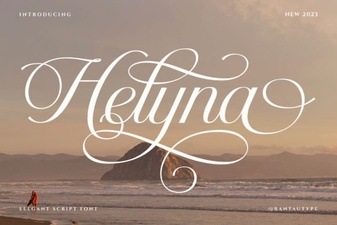 Helyna Font: Elegant Typography for Your Creative Projects
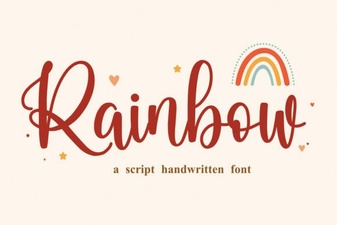 Add Colorful Style with a Rainbow Font