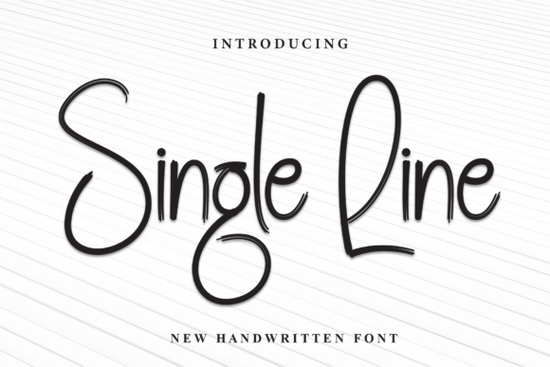
If you're looking for a handwritten font that blends elegance with everyday usability, Single Line Font is worth your attention. Designed with clean, flowing strokes and subtle calligraphic flair, it brings a refined yet approachable look to everything from greeting cards to product packaging. Whether you're a small business owner creating branded labels or a crafter personalizing gifts, this font offers versatility without visual clutter.
What sets Single Line apart is its balance enough character to feel special, but not so ornate that it becomes hard to read at smaller sizes. It’s especially well-suited for projects where you want a personal touch without overwhelming your layout. Think wedding invitations, hand-lettered-style quotes, custom mugs, or even social media graphics that need warmth and authenticity.
How does Single Line compare to other script fonts?
Not all script fonts are created equal. Some lean heavily into flourishes that work beautifully on large-format prints but fall apart on a sticker or tote bag. Others feel too rigid to pass as genuine handwriting. Single Line avoids both pitfalls by keeping its lines smooth and consistent while preserving natural rhythm.
If you enjoy the delicate curves of Helyna or the nostalgic charm of Nostalgic Words, you’ll likely appreciate how Single Line sits comfortably between classic and modern. For wedding-focused designs, it’s less formal than Romeo Wedding but still carries enough grace for romantic themes. And if you’re after something more display-oriented for headlines, Welcome Font might complement it nicely in layered compositions.
Where can you use Single Line effectively?
This font shines in contexts where readability meets personality. Here are a few practical uses:
- Print-on-demand products: T-shirts, mugs, phone cases anywhere you want text that feels handcrafted but remains legible.
- Branding for small businesses: Coffee shops, boutiques, or artisanal brands often benefit from fonts that convey care and individuality.
- Digital planners and worksheets: Its clean lines make it suitable for printable PDFs that users actually write on or fill out.
- Crafting projects: Vinyl cutting, embroidery digitizing, or hand-stamped tags all work well with its single-line structure (though always check compatibility with your software).
One thing to note: because it’s a connected script, spacing and kerning matter more than with block fonts. Most design tools (like Canva, Adobe Illustrator, or Silhouette Studio) handle it smoothly, but preview your text at actual size before finalizing.
Is Single Line right for commercial use?
Yes when purchased through Creative Fabrica, Single Line comes with a commercial license that covers most small business and POD needs. That means you can confidently use it on items you plan to sell, whether online or at local markets. Just be sure to review the specific license terms included with your download, as usage limits may apply based on your subscription type.
For reference, you can explore the original listing for Single Line Font to see sample pairings, alternate characters, and language support.
Tips for getting the best results
To make the most of this font:
- Avoid ultra-small sizes. While it’s more readable than many scripts, anything below 10pt may lose definition, especially in print.
- Pair it wisely. Combine with a simple sans-serif (like Montserrat or Lato) for contrast and clarity in multi-text layouts.
- Use real words, not just letterforms. Since it’s designed as a cohesive script, typing full phrases helps the connections flow naturally.
- Check your output method. If you’re using it for cutting machines, confirm that your software supports true single-line (stroke-based) paths some versions may be outline-only.
Fonts like Single Line succeed when they disappear into the design not because they’re invisible, but because they feel inevitable, like they were always meant to be there. If your project calls for sincerity over spectacle, this one deserves a spot in your toolkit.
Next step: Before committing, test Single Line with your actual content type a real product name, quote, or label copy at the size you’ll use it. If it reads clearly and adds the right mood, you’ve found a reliable go-to script.
Download Now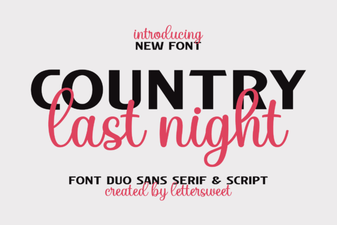 Country Last Night: a Creative Duo Font Project
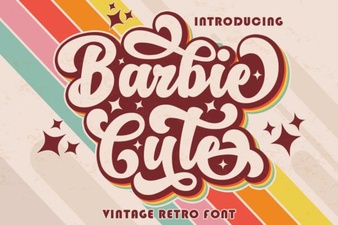 Barbie-Inspired Font Design for Creative Projects
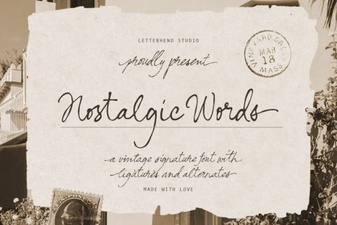 Nostalgic Fonts for Designers & Creatives
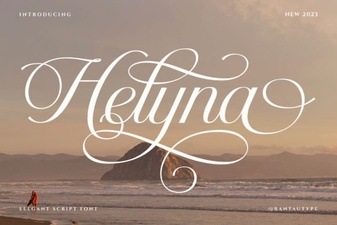 Helyna Font: Elegant Typography for Your Creative Projects
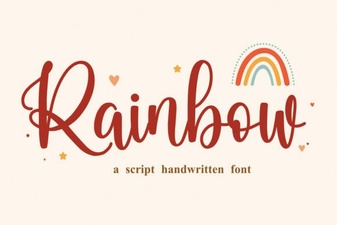 Add Colorful Style with a Rainbow Font
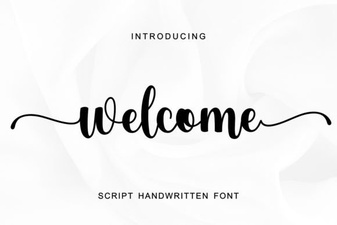 Stylish Welcome Fonts for Your Creative Projects